01
Tell us what you’re planning.
Email us to discuss your event, the experience you have in mind, and how QRPhoto can bring your guests’ memories together.
GOOD TIMES. ALL TOGETHER.
The big moments. The little ones you missed. Bring everyone’s event photos together with a simple QR code.
No app or guest account needed. Just scan & share.
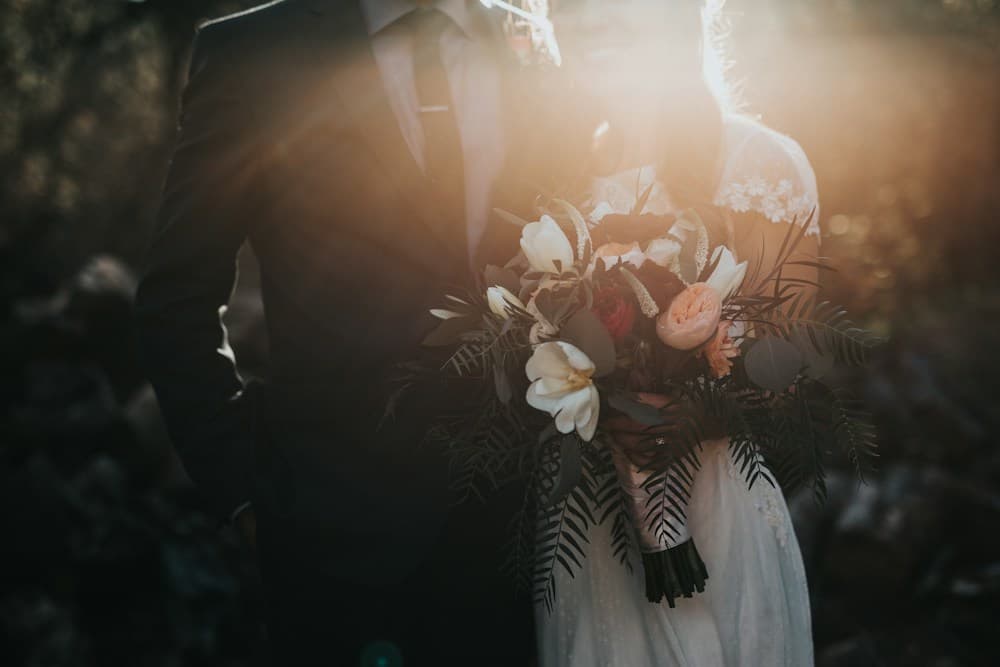
 the little details
 Scan. Share. Smile.HOMEPAGE QR PREVIEW
from their camera
to your memories
Weddings ✳ Family celebrations ✳ Company events ✳ Just-because gatherings
LESS CHASING PHOTOS. MORE MAKING MEMORIES.
Skip the scattered group texts and “send me that photo.”
Give every memory a place to land.
Email us to discuss your event, the experience you have in mind, and how QRPhoto can bring your guests’ memories together.
Guests scan with their phone camera and upload their photos. No app to download. No guest account to create.
Bring the photos together in your event gallery, then download your favorites to enjoy long after the last goodbye.

The photos you didn’t take.
The memories you’ll be glad you have.
YOUR EVENT, YOUR WAY
Make a space that feels like your event, with the controls you need behind the scenes.
Your logo, colors, background, and welcome message.
Choose an unlisted or passcode-protected event and turn uploads or the guest gallery on when you’re ready.
Enable a guest book so guests can leave a message alongside the memories.
Download individual photos or gather them into a ZIP from your dashboard.
A FEW GOOD QUESTIONS
Simple for your guests.
A little more detail for you.
Email us with your event type, date, and any questions. We’ll discuss what you need and help you plan your QRPhoto experience.
No. Guests scan your event’s QR code with their phone camera, open the link, and upload from their browser. If you’ve protected your event with a passcode, they’ll enter that first.
Yes. You can make an event unlisted or protect it with a passcode. You also choose whether to enable the guest gallery and when to allow uploads.
Yes. Customize your event’s logo, background, colors, fonts, and welcome text from the host dashboard.
Sign in to the host dashboard to view your event’s uploads. Download individual photos, a selection, or all ready photos as ZIP files.
LET’S TALK ABOUT YOUR EVENT.
Tell us what you’re planning. We’ll discuss how QRPhoto can fit your event.
Discuss your event Opens your email app. You can also email chris@laskocreative.com.Already have an event? Open your dashboard